WooCommerce Post-Purchase Emails: A Sequence That Turns First-Time Buyers into Repeat Customers
Most WooCommerce stores send a first-time buyer exactly two emails: the order confirmation and the "your order has shipped" notice. Then nothing, until the customer turns up in the next newsletter blast weeks later, by which point they've half forgotten where they bought from.
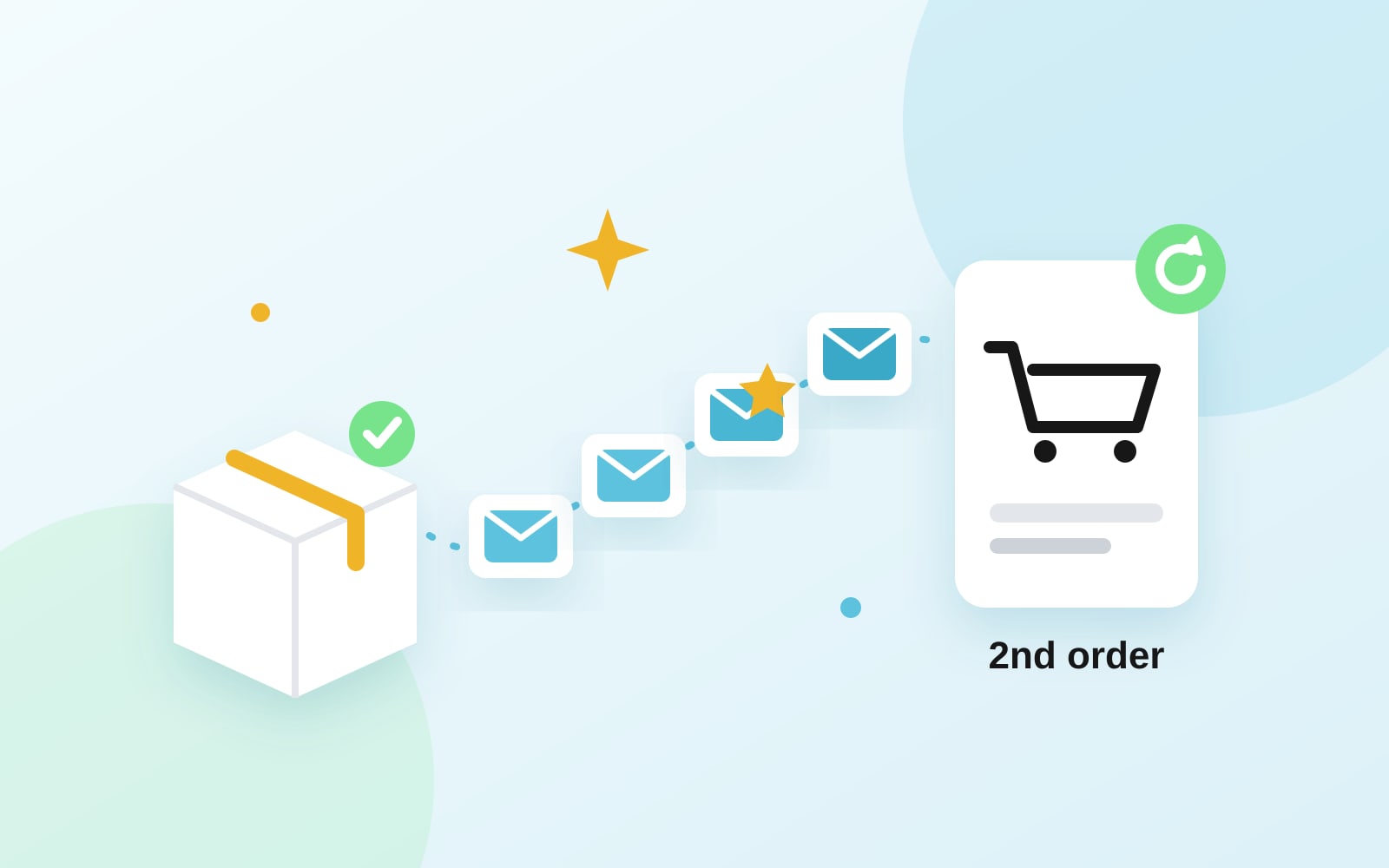
The fix is a short, timed sequence that starts when the first order is paid and ends when the customer orders again. Here's one that works for most stores, what goes in each email, and the setup details that quietly break it.
Why the second order is the one to work on
A customer who has bought twice already knows your shipping is fine, your sizes run true and your product does what the page said. A customer who has bought once is still deciding. That's why "first order to second order" is the most useful gap to close with email, and why the sequence below is aimed only at first-time buyers. Repeat customers get a different, lighter flow (more on that at the end).
Before you build anything, decide how you'll know it's working. Don't use open rate: Apple Mail Privacy Protection loads images for many recipients automatically, so opens are inflated and tell you little. Track these instead:
- Second-order rate: of the customers who placed a first order in a given month, how many placed another within 60 or 90 days.
- Revenue from the sequence: orders that came from a click in one of these emails.
- Clicks and replies on each email, to see which ones pull their weight.
The four-email sequence
Timing below counts from when the first order is paid. Adjust it to how long your shipping takes and how quickly your product gets used.
Email 1: The thank-you (within an hour)
WooCommerce already sends the order confirmation, so don't repeat the receipt. This email is from a person, in plain text or close to it, and it does three things:
- Thanks them for the first order, by name.
- Tells them what happens next and when: when it ships, roughly when it arrives, who to contact if something's wrong.
- Invites a reply. "Hit reply if you have a question, it comes straight to me" earns trust, and replies are a good signal to mailbox providers.
No discount, no product grid.
Email 2: How to get the most out of it (shortly after delivery)
Send this a day or two after a typical order arrives. Make it about the thing they bought:
- A care guide, a sizing or fit tip, a recipe, a setup video, a "start here" for a starter kit.
- One or two common mistakes customers make in the first week.
- A link to the product page, so they can find it again.
This is the email people keep, and it heads off a lot of returns and support tickets.
Email 3: The review request (once they've used it)
Ask for a review only after they've had time to use the product. For most physical products that's one to two weeks after delivery. For consumables, it's after the first use. Keep the ask to one link and one sentence, and say how long it takes ("two minutes").
If someone replies with a complaint instead, fix it. You've just kept a customer who would have left quietly.
Email 4: The reason to come back (two to four weeks later)
Now you can sell. Pick the reason that fits what they bought:
- Cross-sell: the accessory, the refill, the matching item. "Goes well with what you just bought" beats "You might also like".
- Replenishment: if the product runs out on a predictable schedule, send this a few days before it does.
- A thank-you code: if you use a discount, make it personal and single-use, so it doesn't end up on a coupon site. Give it an expiry date, so it's a reason to act now rather than a permanent price cut.
Then end the sequence. After this they get your regular campaigns, and a win-back flow if they go quiet for months.
Five setup mistakes that break post-purchase emails
1. Starting the sequence before the order is paid
Bank transfer (BACS) and cheque orders sit in On hold until the payment clears. If your sequence starts on "order placed", a customer whose payment never arrives gets a thank-you for an order that will be cancelled. Start on payment: the Processing or Completed status.
2. Getting "first" and "repeat" wrong
Whether a buyer counts as first-time depends on how your tool counts. If it only knows about orders since you installed it, every existing customer looks new on their next order and gets a "welcome to the family" email after five years of buying from you. Check that it counts your existing order history, and know which identifier it matches on. If it matches the billing email, a customer who checks out with a different address will look like a new customer.
3. Emailing buyers who didn't opt in
Buying something isn't the same as agreeing to marketing email. Order and shipping emails are fine. A cross-sell or a discount is marketing. Rules vary by country, so the safe default is to run this sequence only for customers who ticked a newsletter box at checkout or subscribed another way. If you don't have that box yet, add a newsletter checkbox to WooCommerce checkout first.
4. Not stopping when they buy again
The sequence is for first-time buyers. If someone places a second order during week two, email 4 ("here's a reason to come back") shouldn't go out. Set the sequence to end when the contact makes another purchase, or move them into your repeat-customer flow.
5. Sending from your web host
If your marketing emails go out through your WordPress host's mail server, a good share of this sequence lands in spam, and you won't know. Send through an email service with SPF, DKIM and DMARC set up for your domain. If you're not sure where you stand, the free deliverability check shows it. Our post on why emails go to spam covers the fixes.
How to set this up with PostBeagle
PostBeagle for WooCommerce is a free plugin that sends store events into PostBeagle, where they start automations. For this sequence, the parts that matter are:
- First purchase and repeat purchase are separate triggers. When an order reaches Processing or Completed, the plugin counts the customer's paid orders in WooCommerce under that billing email, including orders placed before the plugin was installed. One order fires the first purchase event, more than one fires repeat purchase. So the four emails above go on a first purchase automation, and a lighter flow goes on repeat purchase.
- On-hold orders don't start it. A bank transfer order on hold stops any abandoned cart reminders, but the purchase automations wait until the order is paid.
- Only opted-in customers are enrolled. Purchase automations reach customers who are PostBeagle contacts: people who ticked the newsletter box at checkout or subscribed another way. A buyer who didn't opt in isn't added as a contact.
- Each email is built in the automation builder with wait steps between them. A coupon block can give each recipient their own code that works once, only for their email address, and expires after the number of days you choose. A product block fills itself from your synced catalog when the email goes out.
- Cross-sells by product. The optional product purchased event fires for each product in a paid order and, when the product has a SKU, tags the contact with it (for example
purchased-blue-mug), so you can build a segment of everyone who bought a specific item and send them a targeted campaign. - Win-back for the ones who go quiet. A daily check finds customers whose last paid order is older than the number of days you set (90 by default) and starts your win-back automation, at most once per that window.
Setup steps are in the WooCommerce integration docs. If you also want to see the revenue each flow brings in, turn on revenue attribution in the plugin's settings. It's off by default.
What to send repeat customers instead
Someone on their third order doesn't need a care guide. Keep the repeat purchase flow short:
- A one-line thank-you that recognizes they've been back ("Good to see you again").
- Occasionally, a personal thank-you code. Not on every order, or it becomes the price.
- Early access to new products or sales.
Customers who stopped reading your emails altogether are a different problem, covered in how to remove inactive subscribers.
Checklist
- The sequence starts when the first order is paid, not when it's placed.
- First-time vs. repeat is decided from your full order history.
- Only customers who opted in to marketing are enrolled.
- Four emails: thank-you, how to use it, review request, reason to return.
- The sequence ends when they buy again.
- Success is measured by second orders, clicks and revenue, not opens.
You can build this sequence in PostBeagle on the free plan with the free WooCommerce plugin. Start with your first purchase flow and add the rest once the first email is live.