Why My Emails Go to Spam and How to Fix It

You've crafted the perfect email campaign. Your subject line is compelling, your content is valuable, and your call-to-action is crystal clear. But there's one problem: your emails are landing in spam folders instead of inboxes.
If this sounds familiar, you're not alone. Email deliverability is one of the biggest challenges facing marketers today, especially when sending at scale. Let's dive into why this happens and, more importantly, how to fix it.
The Real Reasons Your Emails Go to Spam
1. Poor Sender Reputation
Your sender reputation is like a credit score for email. Internet Service Providers (ISPs) track how recipients interact with your emails. High bounce rates, spam complaints, and low engagement all damage your reputation.
How to check: Use tools like Google Postmaster Tools or SenderScore to monitor your reputation.
2. Missing or Misconfigured Authentication
Without proper email authentication, ISPs can't verify that you're actually who you claim to be. This is a major red flag.
The fix: Implement these three authentication protocols:
- SPF (Sender Policy Framework): Specifies which mail servers can send on your behalf
- DKIM (DomainKeys Identified Mail): Adds a digital signature to verify message integrity
- DMARC (Domain-based Message Authentication): Tells ISPs what to do with emails that fail authentication
3. Spam Trigger Words and Phrases
Certain words and phrases immediately flag spam filters. While filters have become more sophisticated, some triggers remain:
- Excessive use of "FREE," "GUARANTEED," or "ACT NOW"
- ALL CAPS subject lines
- Multiple exclamation marks!!!
- Misleading subject lines that don't match content
4. Poor List Hygiene
Sending to invalid, inactive, or purchased email lists is a fast track to the spam folder.
Warning signs:
- Bounce rates above 5%
- Spam complaint rates above 0.1%
- Low engagement rates (opens/clicks)
5. Inconsistent Sending Patterns
Suddenly sending 50,000 emails when you normally send 500 raises red flags. ISPs see this as suspicious behavior.
How to Fix Your Spam Problem: A Step-by-Step Guide
Step 1: Authenticate Your Domain
Set up SPF, DKIM, and DMARC records in your DNS settings. If you're using Postbeagle, we provide easy-to-follow guides for each major DNS provider.
Step 2: Clean Your Email List
Remove:
- Hard bounces immediately
- Soft bounces after 3-5 attempts
- Subscribers who haven't engaged in 6+ months
- Obvious spam traps (emails that have never engaged)
Pro tip: Use Postbeagle's built-in list hygiene tools to automate this process.
Step 3: Warm Up Your IP Address
If you're using a dedicated IP or ramping up volume, warm it up gradually:
- Day 1-3: Send to your most engaged subscribers (50-100 emails)
- Day 4-7: Double your volume daily
- Week 2-4: Continue gradual increases until you reach target volume
Step 4: Optimize Your Content
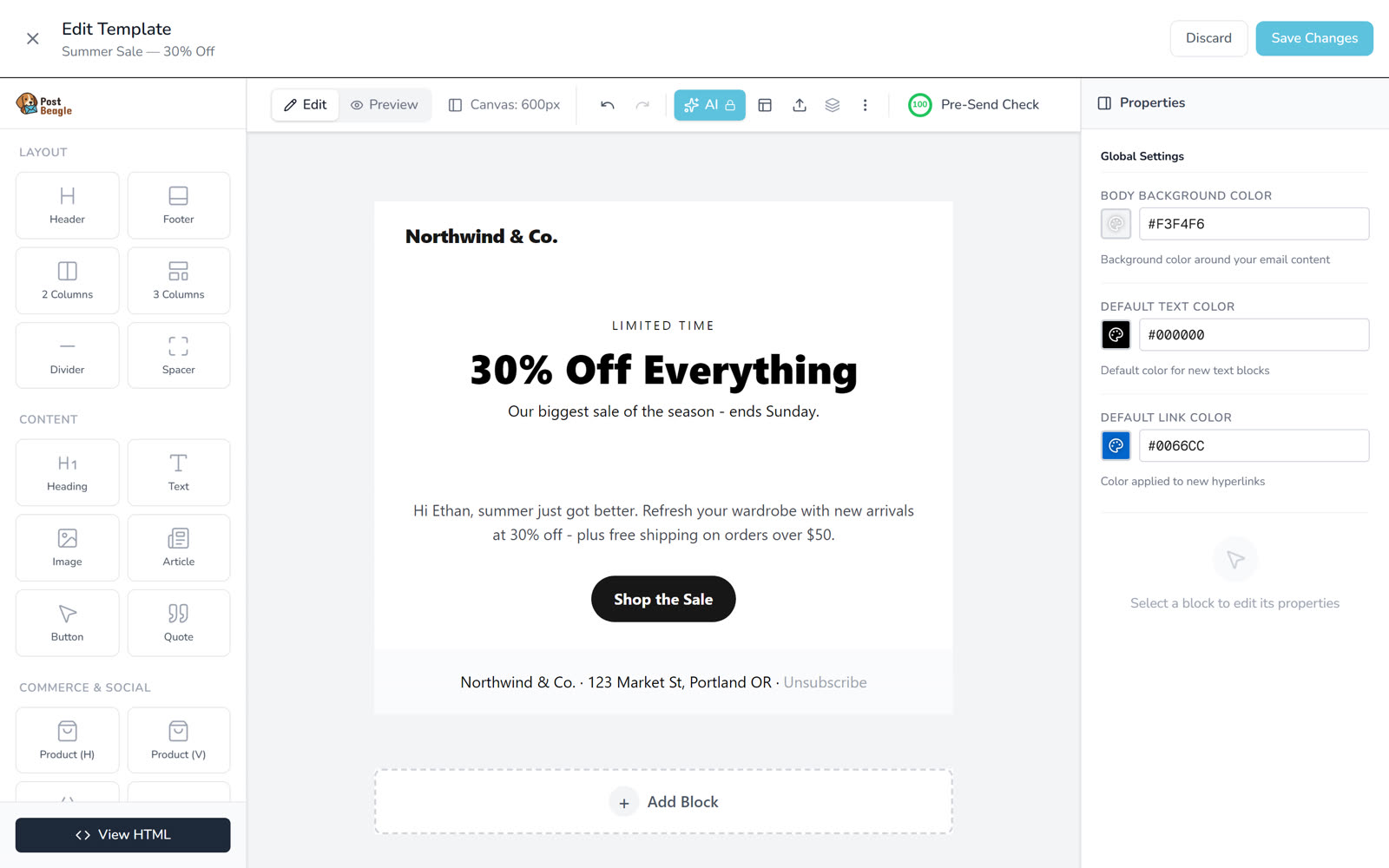
The pre-send check grades a campaign before it goes out, so the content problems above surface while they are still free to fix.
- Write natural, conversational subject lines
- Keep your HTML clean and simple
- Maintain a good text-to-image ratio (60:40 is ideal)
- Always include a clear unsubscribe link
- Add your physical mailing address (required by CAN-SPAM)
Step 5: Monitor and Adjust
Track these key metrics:
- Inbox placement rate: Aim for 95%+
- Bounce rate: Keep below 2%
- Spam complaint rate: Stay under 0.1%
- Engagement rate: Monitor opens and clicks
Advanced Strategies for 2026
Use Engagement-Based Segmentation
Send to your most engaged subscribers first. High engagement signals to ISPs that your emails are wanted, improving deliverability for subsequent sends.
Implement a Re-engagement Campaign
Before removing inactive subscribers, try to win them back:
- Send a compelling "We miss you" email
- Offer an incentive to re-engage
- Ask if they want to update preferences
- Remove non-responders after 2-3 attempts
Test Before You Send
Use seed testing to check inbox placement across major providers (Gmail, Outlook, Yahoo) before sending to your full list.
How Postbeagle Helps You Stay Out of Spam
Postbeagle is built specifically to handle large-scale email campaigns while maintaining excellent deliverability:
- Automatic authentication setup: We guide you through SPF, DKIM, and DMARC configuration
- Smart sending algorithms: Our system automatically throttles sends based on recipient provider
- Real-time bounce handling: Hard bounces are immediately suppressed
- Engagement tracking: Identify and segment based on subscriber behavior
- Dedicated IP options: For high-volume senders who need maximum control
The Bottom Line
Getting out of spam folders isn't about tricks or hacks—it's about building trust with ISPs and providing value to your subscribers. Focus on:
- Proper authentication
- Clean, engaged lists
- Consistent sending patterns
- Quality content
- Continuous monitoring
With these fundamentals in place, you'll see your inbox placement rates soar.
Ready to fix your deliverability issues? Try Postbeagle free for 14 days and send your first 10,000 emails with confidence.
Have questions about email deliverability? Drop them in the comments below or reach out to our support team.