Single vs Double Opt-In: Which Should Your Store or Small Business Use?
You want your list to grow, but you've heard that double opt-in "costs you subscribers," and you're not sure the trade is worth it. Meanwhile, single opt-in quietly lets in typos, fake signups and people who don't remember you, and every one of them makes your next campaign a little less likely to reach the inbox.
The short answer: you don't have to pick one for everything. Decide by where the signup comes from. Use single opt-in where the address is already proven, use double opt-in on public forms, and make the confirmation step so smooth that it costs you very little. Here's how to decide and how to set it up.
What the two options actually do
Single opt-in: someone enters their address and is on your list straight away.
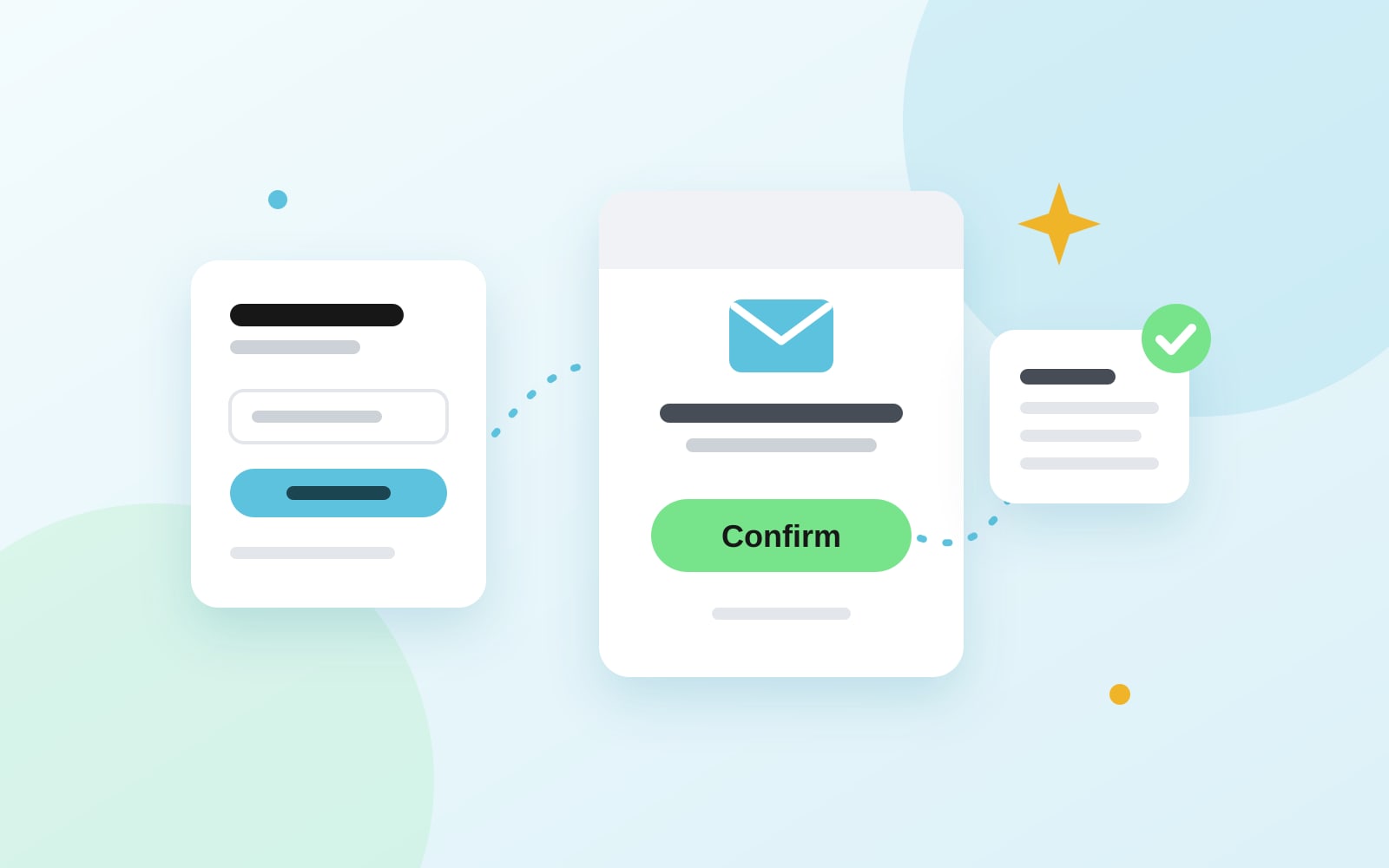
Double opt-in (or confirmed opt-in): you first send one email asking them to click a link to confirm. Only after they click are they a full subscriber.
That one click proves two things single opt-in can't: the address exists and works, and the person who owns it wanted your email.
What single opt-in lets onto your list
Single opt-in isn't wrong. But every public form that uses it will collect some of these, and you mail them all:
- Typos.
[email protected]and[email protected]bounce. A run of hard bounces tells mailbox providers you don't look after your list. - Someone else's address. People type a friend's or an old work address, or a made-up one to get a discount code. The real owner never asked for your email, and "Report spam" is the easiest way for them to make it stop.
- Spam traps. Some addresses exist only to catch senders who mail people who never signed up. They can arrive through a form like any other address.
- Bots. Automated scripts fill in public signup forms, sometimes with real people's addresses. In a "subscription bombing" attack, a victim's address is submitted to hundreds of forms so their inbox floods with mail they never asked for. If your form uses single opt-in, your campaigns become part of that flood, and blocklist operators have listed senders for it. Spamhaus has long recommended confirmed opt-in for exactly this reason.
None of these will ever buy from you. They add bounces and complaints, which drag down inbox placement for the subscribers who do want your email. Google's sender guidelines are built around the same idea: send mail that recipients asked for and keep complaints low.
What double opt-in costs you
Some real people won't click the confirmation link. It lands in a promotions tab, they get distracted, or they change their mind.
Two things soften that cost. Many people who don't confirm wouldn't have been good subscribers anyway: someone who won't click once is unlikely to click a campaign or buy from one. And much of the loss comes from a weak confirmation flow, which you can fix (more below). A list padded with people who never engage costs you twice: in deliverability, and, on platforms that bill per contact, in your monthly bill.
How to choose, source by source
Look at each place people join your list and ask one question: has this address already been proven?
| Where the signup comes from | Address already proven? | Use |
|---|---|---|
| Checkout opt-in on your store | Yes: the order confirmation went there | Single opt-in |
| Account registration with email verification | Yes | Single opt-in |
| Newsletter form in your site footer or sidebar | No | Double opt-in |
| Popup with a discount code | No, and it invites fake addresses | Double opt-in |
| Lead magnet, giveaway or contest page | No, and it attracts bots | Double opt-in |
| Addresses collected in person or at an event | Often mistyped | Double opt-in, or a confirmation request before your first campaign |
| A list you bought or rented | No, and nobody on it asked you | Don't mail it |
Checkout is the best case for single opt-in. A customer who places an order typed their address carefully because they want the receipt and shipping updates, and they just bought from you, so they know who you are. Adding a confirmation email on top of the order emails mostly adds friction. Our guide to adding a newsletter checkbox to WooCommerce checkout covers that setup, including how to word the checkbox.
What about the law?
Consent rules vary by country, and this isn't legal advice. Under the EU's GDPR, if you rely on consent you must be able to show that the person consented (Article 7). GDPR doesn't spell out double opt-in, but a confirmation click with a timestamp is one of the clearest records you can have, and in some countries, Germany being the usual example, it's the expected way to prove consent. If you sell into Europe, check with someone who knows your market.
How to set up double opt-in so it doesn't cost you subscribers
The confirmation email has one job: get a click. Everything about it should serve that.
Send it instantly. People confirm while they're still thinking about you.
Use a From name they'll recognize. Your store or business name, the same one shown on the form. A personal name they've never seen looks like spam.
Write a subject line that says what to do. "Confirm your subscription to [your list]" beats anything clever.
Keep the body short, with one big button. One sentence on what they'll get and how often, then a button that says "Yes, subscribe me" or "Confirm my email." No product grid, no social links competing for the click.
Tell them what happens next on the thank-you page. Don't show "You're subscribed!" when they aren't yet. Show "Check your inbox," name the sender they should look for, and mention the spam and promotions folders. This page does more for your confirmation rate than anything else.
Deliver the incentive after confirmation. If you promised a discount code or a download, put it in the welcome email that follows the click, not in the confirmation email itself. That gives people a reason to confirm, and fake addresses don't get the code.
Watch your confirmation rate. Divide confirmed subscribers by signups for each form. If one form lags the others, look at its thank-you page and the offer behind it.
Decide what happens to the unconfirmed. Don't keep resending the request. One reminder at most, then leave them out of your sends. They never said yes.
Setting it up in PostBeagle
PostBeagle sets the opt-in mode per list, with three options:
- Single opt-in: subscribers are added straight away and no confirmation email is sent.
- Soft double opt-in: the confirmation email goes out, but campaigns keep going to everyone in the meantime.
- Strong double opt-in: the confirmation email goes out, and campaigns only go to confirmed subscribers.
Strong double opt-in is the one that keeps unconfirmed addresses out of your campaigns. Soft double opt-in is a middle step if you're switching an existing list over and don't want new subscribers to miss mail while they confirm.
You choose the confirmation email's sender name, subject line and design, and PostBeagle won't save a design that's missing the confirm link, so you can't accidentally send a confirmation nobody can act on. If you build your own signup form, you can send people who still need to confirm to a different thank-you page from people whose signup is complete, which is where your "check your inbox" message goes. On PostBeagle landing pages, every published page also has a hidden spam trap that catches most form-filling bots, and double opt-in lists only add people who confirm by email.
Because the setting lives on the list, the source-by-source approach above is easy to follow: keep a single opt-in list for checkout signups and a double opt-in list for your site forms, or use double opt-in everywhere if you prefer one rule.
If you run a WooCommerce store, the free PostBeagle for WooCommerce plugin adds the checkout checkbox and sends customers who tick it to the list you pick in its settings. When someone opts in, the plugin also saves a consent record on the order with the checkbox wording, the time and which checkout they used, so you can show what they agreed to later. Double opt-in for those signups follows the setting on that list in PostBeagle, not the plugin, as the plugin documentation explains.
Already on single opt-in with a big list?
Don't send a "please confirm" email to everyone. People who have been buying and clicking have already shown they want your email, and making them confirm again loses good customers.
Instead:
- Switch your public forms to double opt-in from now on.
- Keep mailing people who have clicked or ordered recently as usual.
- Run everyone else through a short re-engagement series and stop mailing those who don't respond. Our guide on removing inactive subscribers walks through it step by step.
Quick checklist
- Checkout and verified-account signups on single opt-in
- Public forms, popups and giveaways on double opt-in
- Confirmation email sent instantly, from your business name, with one button
- Thank-you page says "check your inbox," not "you're subscribed"
- Incentive delivered after confirmation, not before
- Confirmation rate checked per form
- Unconfirmed addresses left out of your campaigns
Double opt-in isn't about growing slower. It's about making sure every address you mail belongs to someone who asked. If you want per-list opt-in settings and a confirmation flow that's hard to get wrong, you can start free with PostBeagle.